...Creative Content & Unique Visual Styles For Animation
3D...
New Lighting Test Using V-Ray For Maya...
Tuesday, October 29, 2013
I’m really liking V-Ray for Maya... I wonder if V-Ray is seeing anyone at the moment...
Here are two lighting tests I did using the Infinity Realities (http://ir-ltd.net) head-scan, the Diffuse and the Displacement maps. I had to create the Specular and the Overall color maps in Photoshop, but the results are very cool! This one has a three-point light setup...
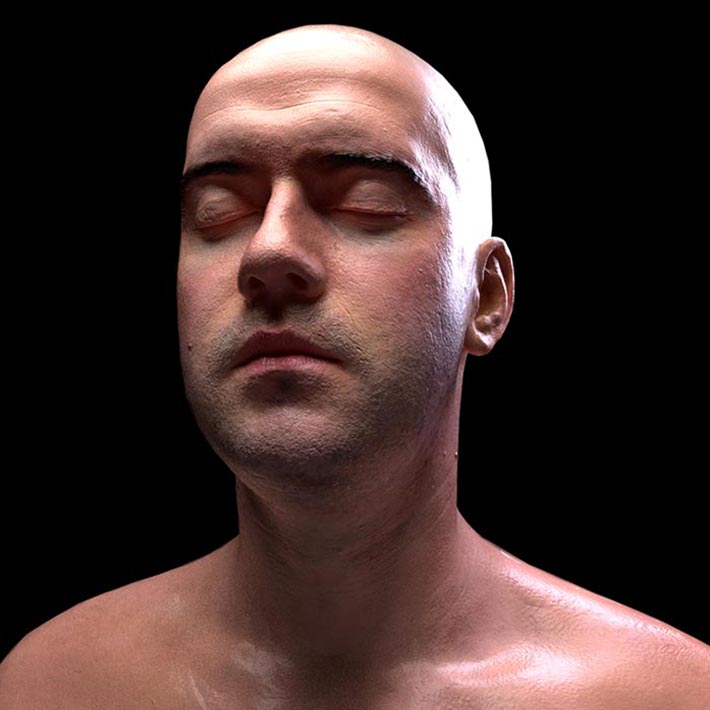
And the one bellow is a straight up HDRI lit shot...
Cheers!
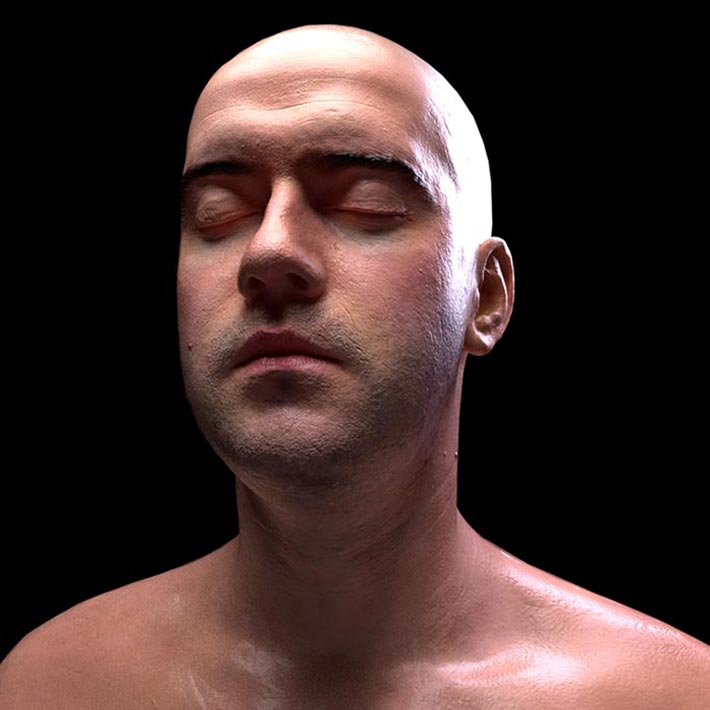
Here are two lighting tests I did using the Infinity Realities (http://ir-ltd.net) head-scan, the Diffuse and the Displacement maps. I had to create the Specular and the Overall color maps in Photoshop, but the results are very cool! This one has a three-point light setup...
And the one bellow is a straight up HDRI lit shot...
Cheers!
Progressive "Coverage Checker Goggles" Commercial...
Saturday, July 27, 2013

Mental Ray's user_ibl_env Light… WOW!
Sunday, March 31, 2013

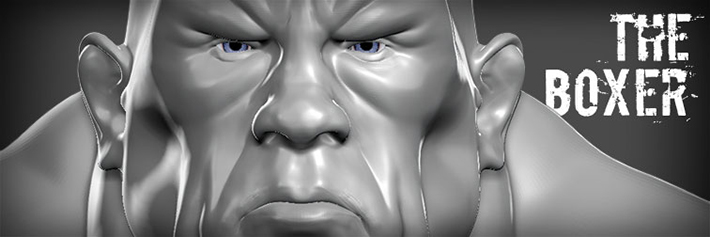
New ZBrush Sculpt: "The Boxer"...
Tuesday, March 26, 2013
Growing & Shriking Selections in ZBrush,,,
Sunday, December 02, 2012
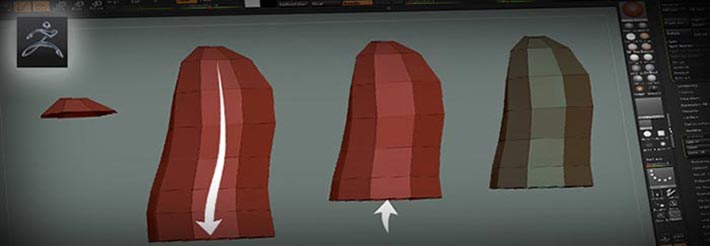
Tutorial: Growing & Shrinking Selections In ZBrush
A Step-By-Step Tutorial On How To Retopologize A Rough Sketch For Better Efficiency
This is one of the coolest tricks I’ve learned recently. I use it to GroupVisible PolyFaces based on the edge flow by growing / shrinking selected PolyFaces (from a hidden mesh)…
Cheers!
ZBrush/TopoGun Retopology Tutorial ...
Tuesday, November 27, 2012
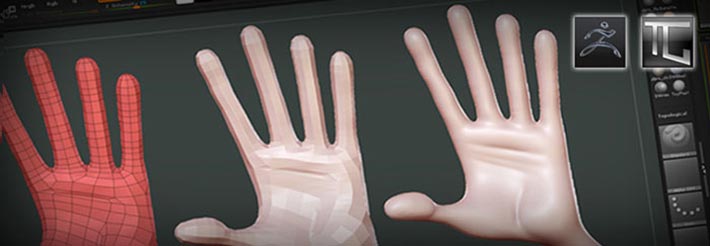
Tutorial: ZBrush/TopoGun Mesh Retopology
A Step-By-Step Tutorial On How To Retopologize A Rough Sketch For Better Efficiency
I’m writing a quick tutorial on how to quickly sketch a character in ZBrush, re-topologyze in TopoGun, and re-project the detail - from the original quick sketch, back in ZBrush into the new Animation-friendly mesh.
This, I believe, saves time and improves performance due to the efficiency of the re-topologyzed mesh, and its also a Rigging and Animation-ready, which makes for happier artist and Producers!
Cheers!
Look Development Tests...
Sunday, October 14, 2012
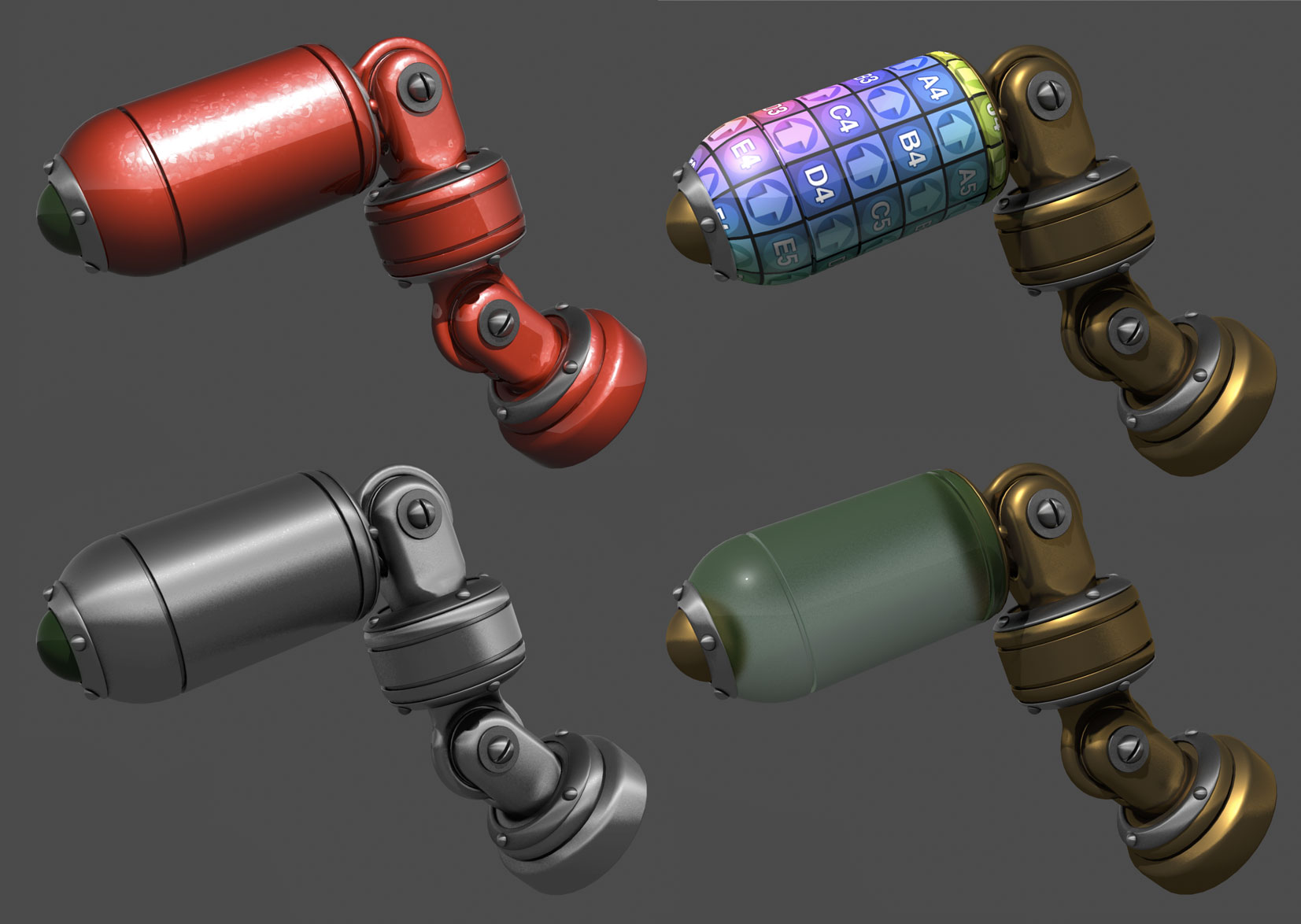
Rapid Prototyping Tutorial: Chapter Two!...
Thursday, April 26, 2012
The second chapter of my Rapid Prototyping from Maya is up & running!

Tutorial: Rapid Prototyping… From Maya!
A Step-By-Step Tutorial On How To Turn Your 3D Models Into Sculptures!...
Chapter 2: Installing The Plugin
Cheers!
NEW Tutorial: Rapid Prototyping From Maya!...
Monday, January 02, 2012
I’m starting a new tutorial on Rapid Prototyping from Maya, yes! Maya...
What I will show you in this tutorial is 1) how to prepare the model - understanding the difference and issues with open objects, holes, thickness, pieces, etc, then 2) exporting the model as a .STL file… and finally 3) what to expect from the sculpture at the end!…
I hope to have the entire tutorial done soon...
What I will show you in this tutorial is 1) how to prepare the model - understanding the difference and issues with open objects, holes, thickness, pieces, etc, then 2) exporting the model as a .STL file… and finally 3) what to expect from the sculpture at the end!…
I hope to have the entire tutorial done soon...
Tutorial: Rapid Prototyping… From Maya!
A Step-By-Step Tutorial On How To Turn Your 3D Models Into Sculptures!...
Check Chapter 1: Terminology!
Cheers!